Tasks
Break a project into tasks, give them their own rates and budgets, and share common tasks through the library.
Tasks split a project's time into named buckets: Design, Development, Meetings. They are optional. Turn them on when you want hours reported that finely, when tasks bill at different rates, or when the budget is per task.
Tasks on a project
Open the project sheet's Tasks tab and switch on Enable Tasks. Then:
- Add a task types a new one. Each task has a Task name, a Billable switch (Enable hourly task billing) with an optional Billable rate (leave it empty to use the project rate), and Counts toward budget.
- From the library adds tasks from the shared task library (below). A library task's name is shared by every project that uses it; rename it in the library, or Detach from library to make this project's copy independent.
- Tasks with tracked time can be archived instead of removed; they disappear from pickers but their time stays in reports. Archived tasks can be unarchived.
On the project page, the Tasks tab lists tasks with hours and, when the budget is per task, allocated, spent and progress columns. Add Task and Add from Library live there too.
When a project uses Task rates (Pricing tab), every task's rate prices its own time and the project rate covers the rest; see Billing and rates.
The task library
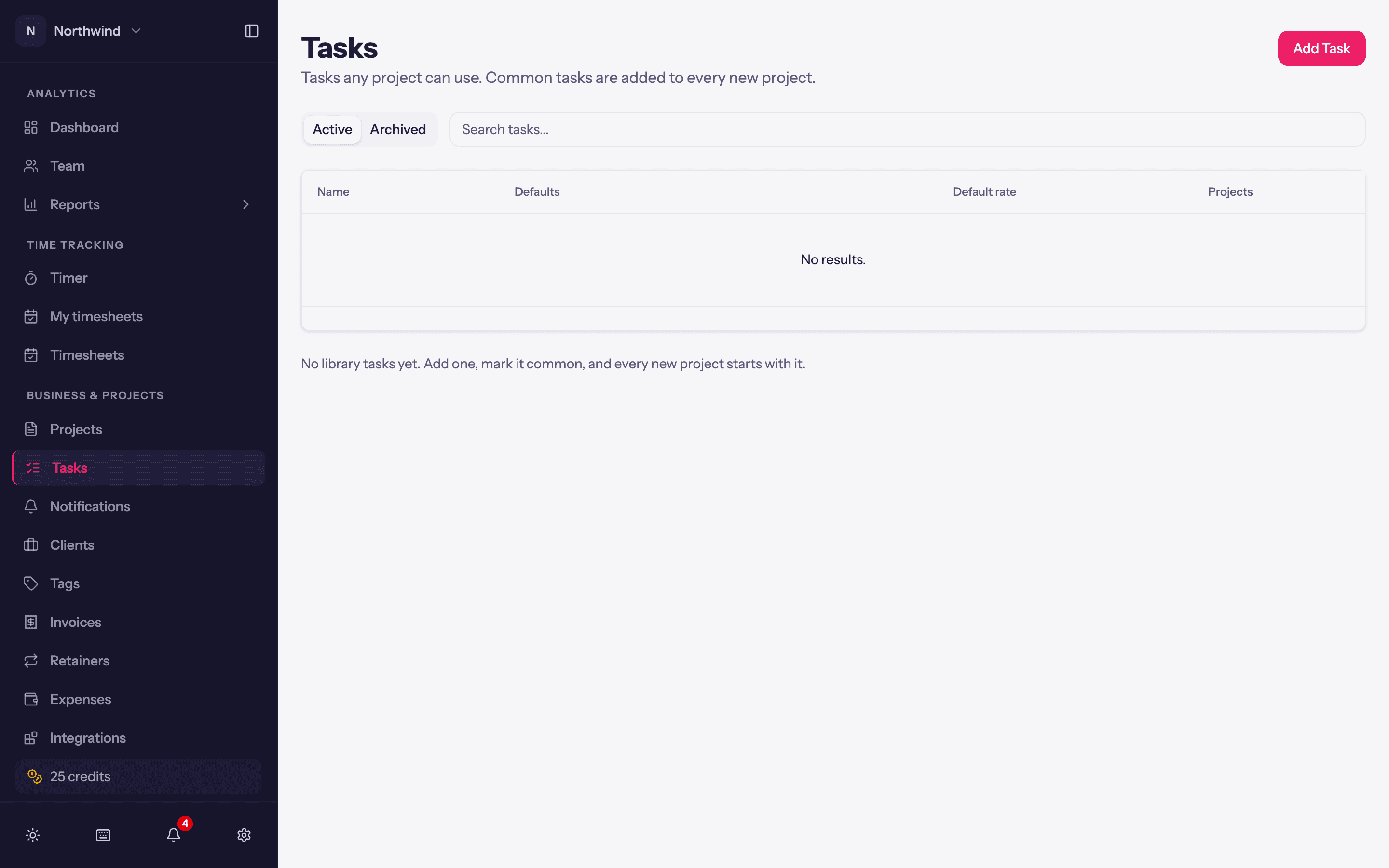
Business & Projects → Tasks is the workspace-wide library: tasks any project can use. Add Task takes a Name, a Colour and defaults for new copies (Billable, Counts toward the project budget, Default billable rate), plus one important switch:
- Common task: added to every new project automatically, however the project is created (sheet, duplicate, import or API).
The list shows how many Projects use each task, and Active and Archived tabs. Deleting a library task does not touch the projects that already have it; their copies detach.
Picking a task when tracking
In the entry bar, type @ and either search the task name directly or expand a project to see its tasks. A workspace can make a task required on every entry (Workspace Settings → General → Required fields).