Submitting your week
Send a week for approval, withdraw it if you need to, and fix a week that was sent back.
If you are in a timesheet group, each week you track becomes a timesheet to submit. Track as normal; the submission is a single step at the end.
Submit
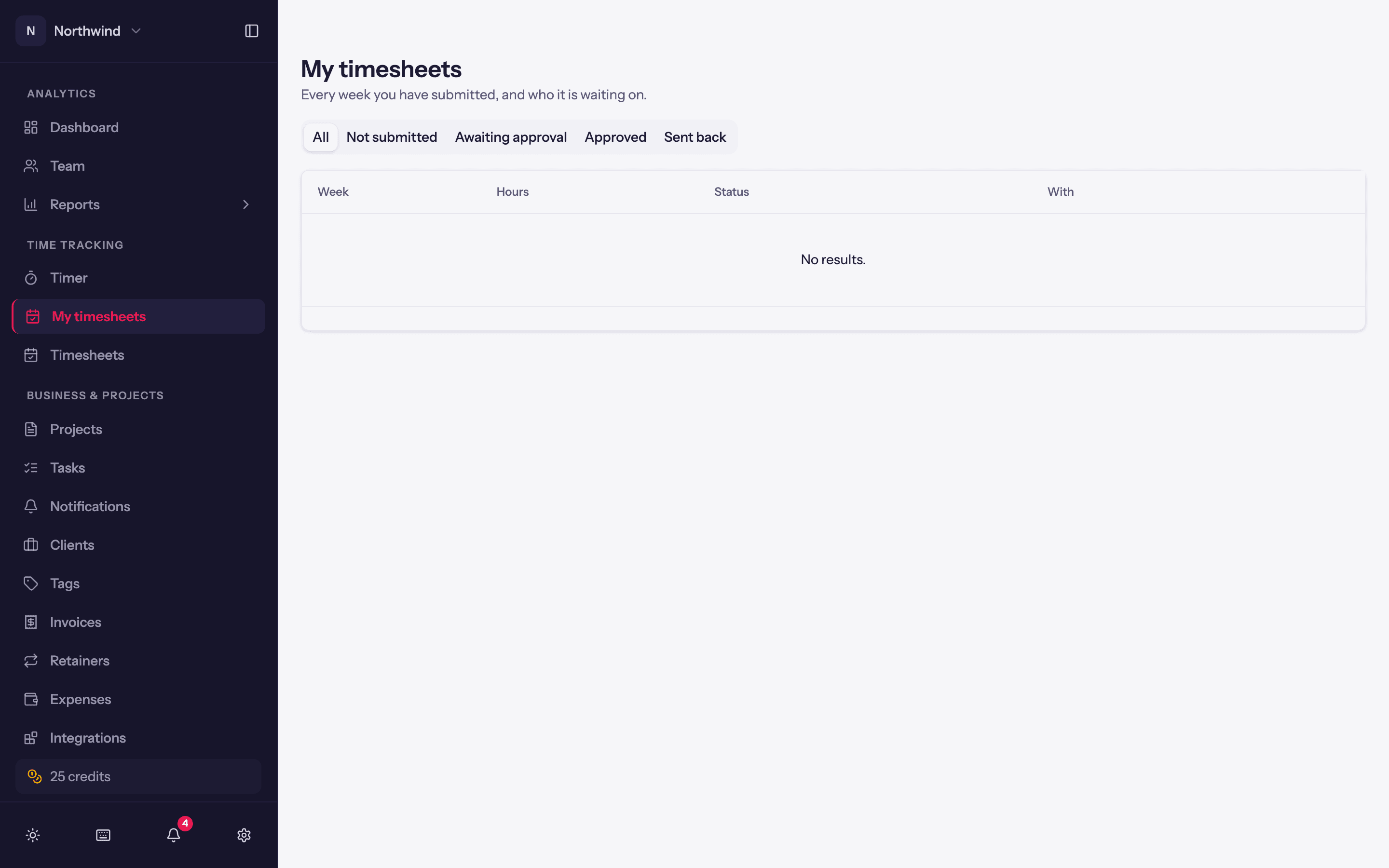
Either from the Timer page, where a Submit button sits by the week heading, or from Time Tracking → My timesheets, which lists every week with its status and Submit for approval.
Submitting asks Submit this week for approval? and offers a note for the approver, for example Public holiday Monday, annual leave Thursday and Friday. Once submitted:
- The week's entries lock (the lock badge reads This week's timesheet has been submitted).
- The status becomes Awaiting approval and shows who it is waiting on.
If the week is short of the group's minimum hours, say so in the note; the approver sees the total against the minimum.
Withdraw
Spotted a mistake? Withdraw (on the timer page) or Withdraw submission (on My timesheets) takes the week back while it is still awaiting approval. Your hours become editable again; resubmit when they are right.
Sent back
If an approver sends the week back, its status is Sent back with their reason, and the entries unlock. Fix them and submit again.
Approved
An approved week stays locked. You can still resume (start a new timer from) any entry in it.
My timesheets
Time Tracking → My timesheets is the overview: every week, its hours, its status (Not submitted, Awaiting approval, Approved, Sent back), and who it is waiting on. Open week takes you to that week in the timer.